
Schema Builder
Tech Stack
Overview
Problem Solved
Solution
Workflow
- Authentication: Sign in securely with Google OAuth via Firebase
- Project Setup: Create a new schema project or import an existing database
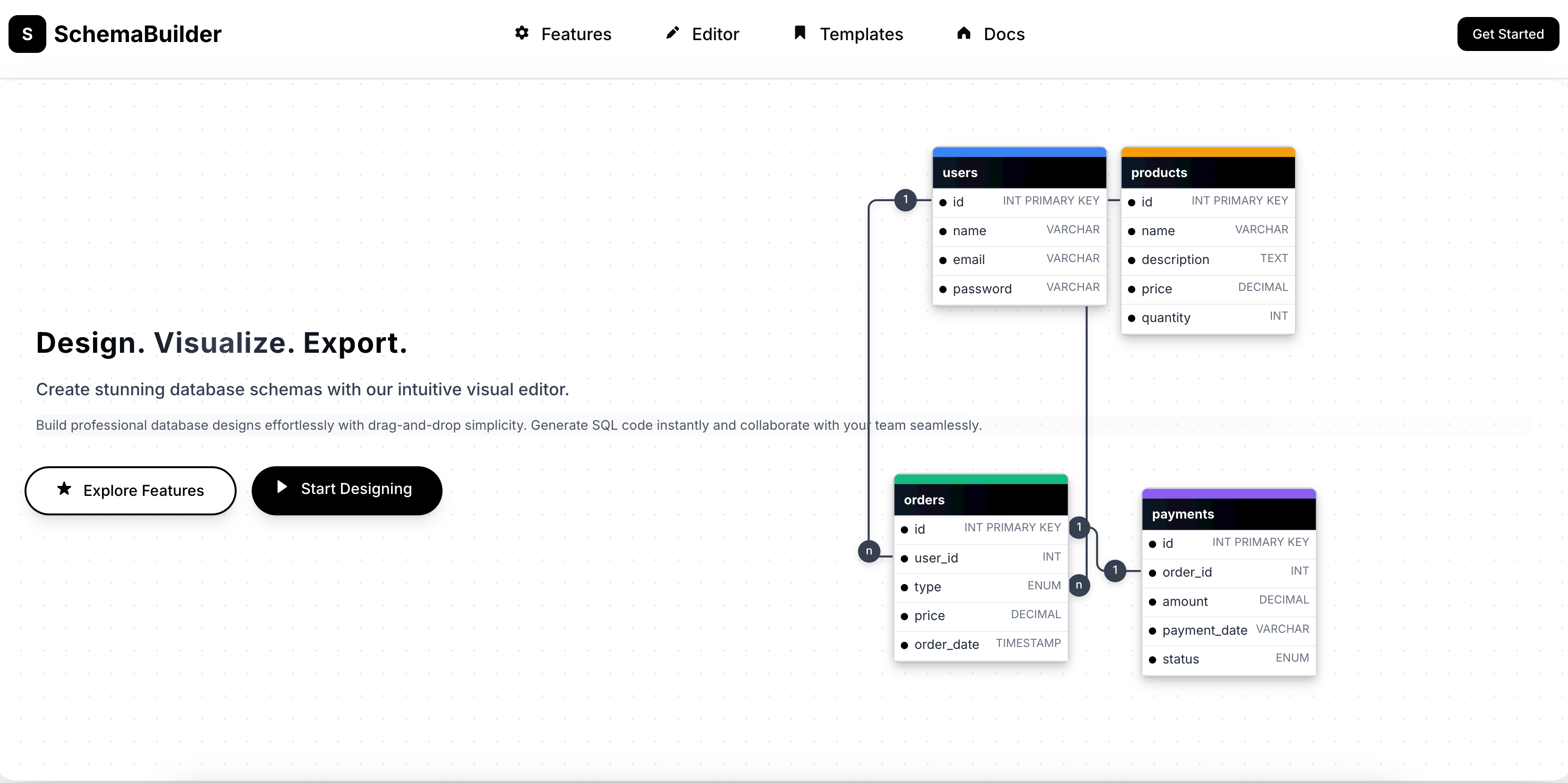
- Visual Design: Drag tables onto the canvas, define columns, types, and constraints
- Relationship Mapping: Draw connections between tables with automatic foreign key detection
- AI Assistance: Chat with the AI to get recommendations on normalization, indexing, and best practices
- SQL Generation: Instantly export the visual schema to PostgreSQL, MySQL, SQLite, or MongoDB syntax
- Collaboration: Share the schema with teammates for review and concurrent editing
- Version Control: Track schema evolution with built-in diff and rollback capabilities
Technical Highlights
- Frontend: React with TypeScript, custom Canvas 2D API for diagram rendering, Vite build tool
- Backend: Go for high-performance API handling and SQL generation logic
- AI Integration: Context-aware prompt engineering for schema recommendations
- Database: MongoDB for flexible storage of schema graphs and version history
- Real-Time: WebSocket server for live collaboration and cursor tracking
- Authentication: Firebase Authentication with Google OAuth 2.0
Key Takeaways
Features
Visual canvas for drag-and-drop schema design
AI-powered chat assistant for schema recommendations
Automatic SQL generation for multiple databases
Real-time collaboration with conflict resolution
Version history and schema diff viewer
Export to SQL, JSON, and ORM config formats
Google OAuth authentication with Firebase
Responsive canvas with zoom, pan, and grid snap
Architecture
Schema Builder uses a React frontend with a custom HTML5 Canvas engine for visual editing. The Go backend exposes RESTful APIs documented with Swagger. MongoDB stores schema metadata and project versions with document-level versioning. Firebase handles OAuth authentication. Docker containers package the entire stack for easy deployment.
API & System Flow
Users authenticate via Google OAuth (Firebase). The frontend communicates with the Go backend over HTTPS. Schema operations are processed through a validation pipeline: user input → AI enhancement (optional) → storage in MongoDB → SQL generation → response to client. Real-time updates are pushed via WebSockets for collaborative sessions.
Challenges & Solutions
Used a custom canvas rendering engine with virtualized nodes and optimized edge routing algorithms to maintain 60fps even with 100+ tables.
Related Projects
App Lens
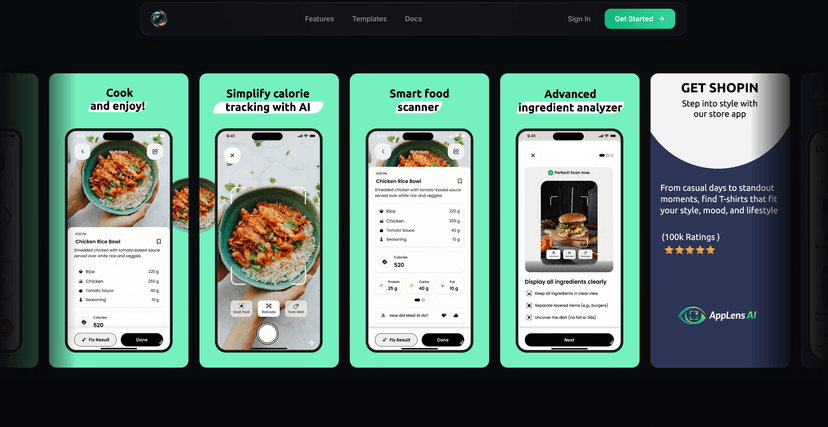
AppLens is a full-stack web application designed to help developers and designers create professional app store screenshots and promotional graphics for iOS and Android applications. With an intuitive visual editor, pre-designed templates, and powerful customization options.
SchemaCraft
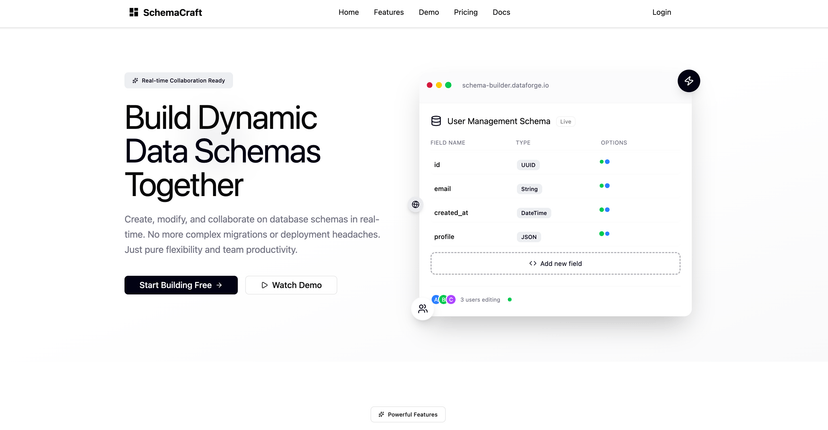
Revolutionary full-stack SaaS that transforms API development: create custom APIs instantly through visual schema design, get auto-generated CRUD endpoints with authentication, real-time collaboration, and comprehensive admin controls. Built with React TypeScript frontend, Go backend, deployed on AWS with automated CI/CD.
Funutrition
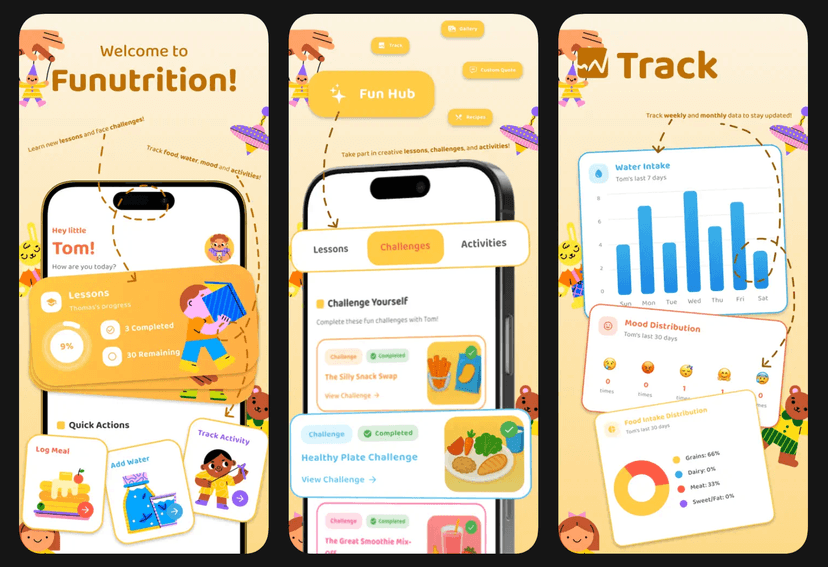
Developed Funutrition, an interactive kids' app designed by a dietitian to make learning about healthy eating fun. Features include educational games, healthy recipes, expert nutrition tips, and progress tracking. The app helps children build lifelong healthy habits while supporting parents with guidance and insights.